
MySQL is the world's second most widely used open-source relational database management system (RDBMS). You will need to install MySQL databases for many of the scripts that you use to power your website.
While many of our modules — such as Wordpress — create the MySQL database for you, there will be times when you need to manually create one.
In this tutorial, we’re going to show you how to create a MySQL database using the wizard which will add a user as well.
STEP 1: Login to cPanel
STEP 2: Click on the Database Wizard

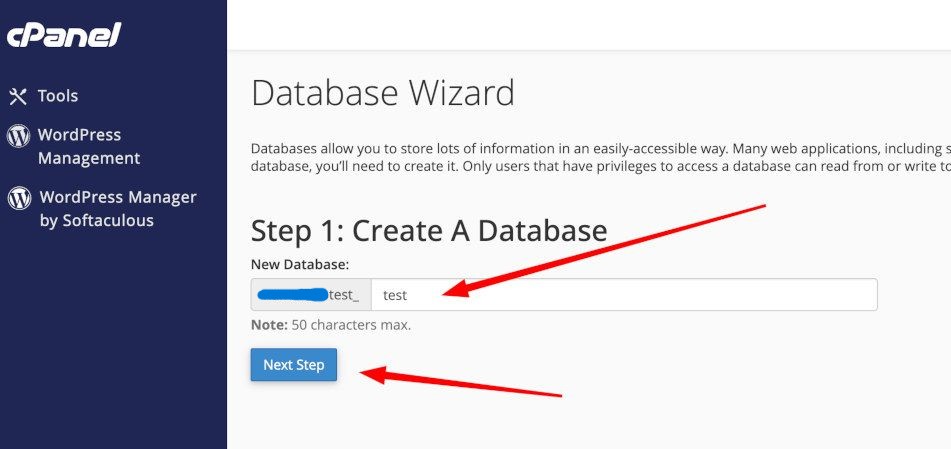
STEP 3: Give your database a name and click Next Step.
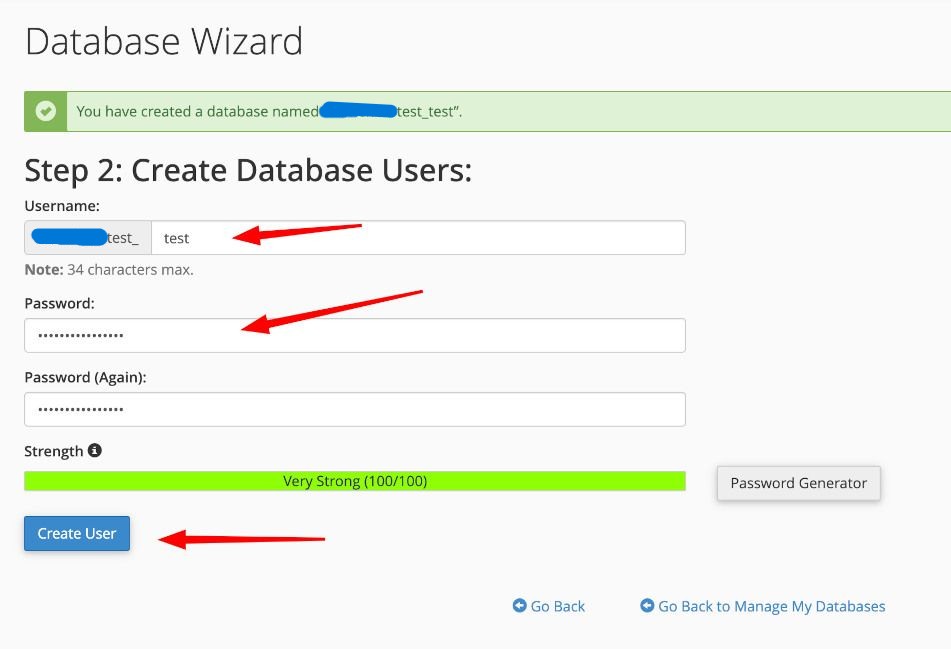
STEP 4: Now add a User that can access the database along with the desired password then click Create User.
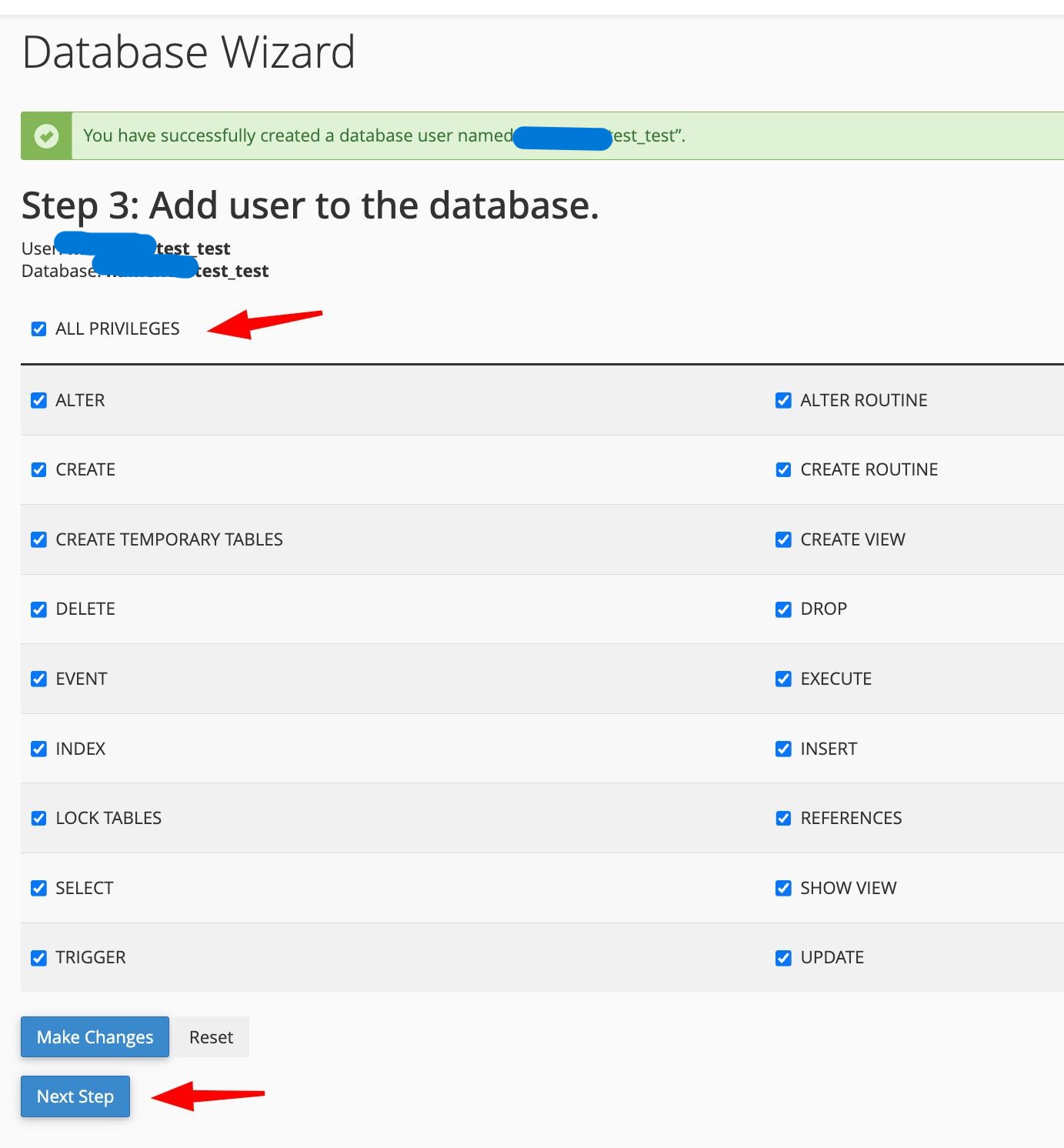
STEP 5: Give the user permissions. Generally All Privileges works well for most. But if you have unique uses for this database and user, select what permissions you would like to give them.
STEP 6: You are now done!
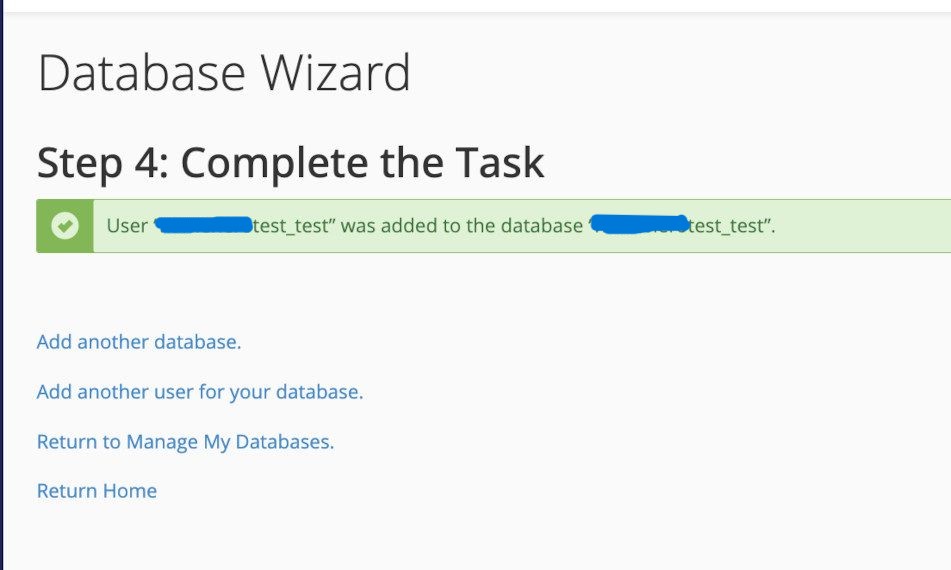
As you probably noticed, your cpanel username will be prepended to any database name or username. For this example the db username is: alttrixcloudtest_test and the username is alttrixcloudtest_test. Once you have your database created you can now connect it to your scripts that will need to access it.
